
User Experience
Services · Product Design & UX
User Experience Design that makes products easier to use, easier to trust, and easier to grow
ThePixel helps businesses design better digital experiences through user-centered strategy, interface design, research, testing, and workflow optimization. We focus on how people actually move through a product so every screen, interaction, and decision supports clarity, usability, and business goals.
User needs, pain points, workflows, and behavioral insights shape the design direction.
Clear information architecture, task flows, content hierarchy, and scalable design systems.
Usability testing, feedback loops, and measurable improvements tied to product goals.
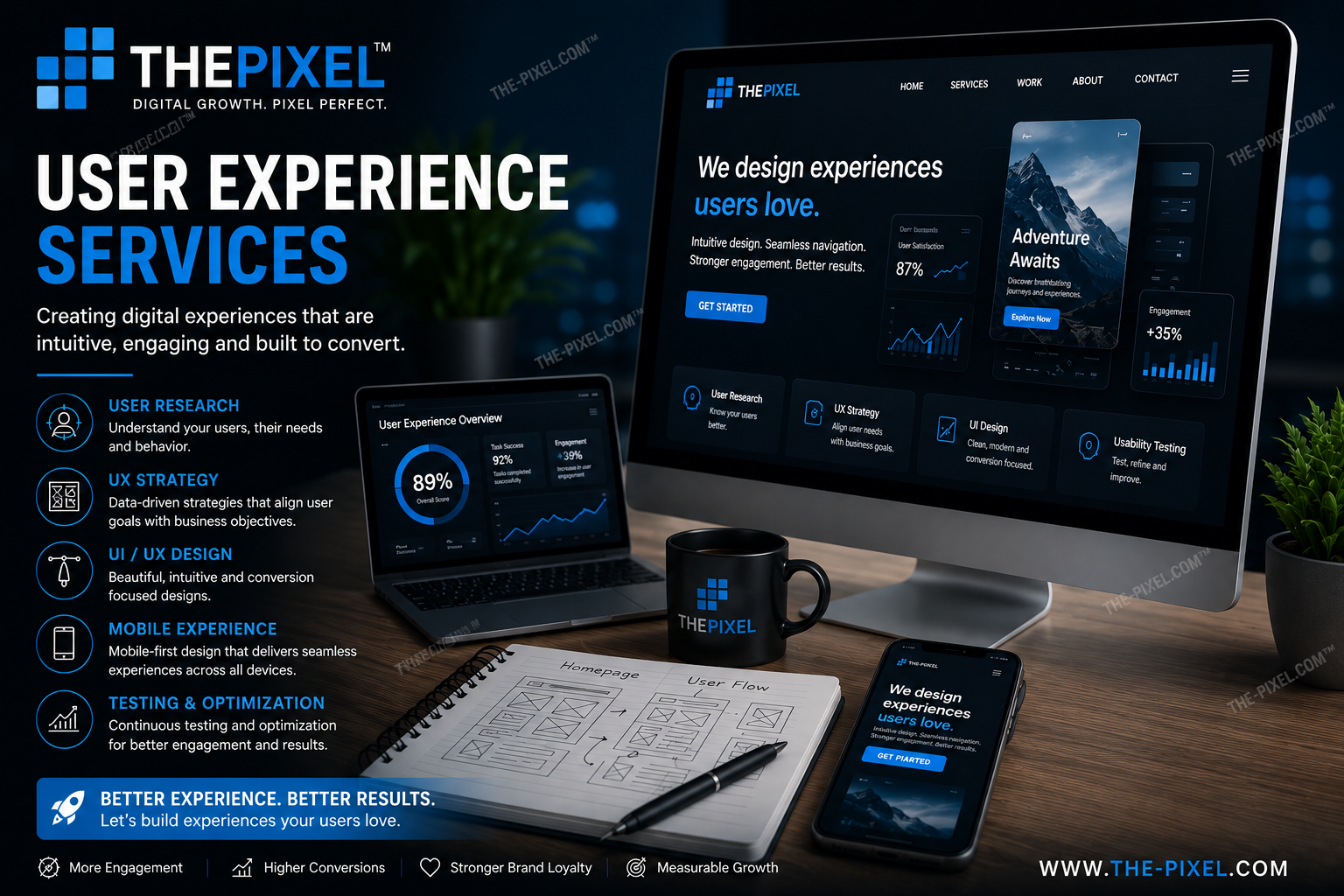
User experience design capabilities
UX services built to improve product usability, reduce friction, and create more effective digital experiences.
UX strategy + product direction
Align business goals, user needs, and technical realities before design decisions start compounding.
- Goal alignment + product planning
- User task and workflow definition
- Prioritized UX roadmap
User flows + wireframes
Map tasks clearly so key interactions feel straightforward before visual design begins.
- User flow diagrams
- Low-fidelity wireframes
- Screen-level task planning
Interface design + components
Turn UX strategy into polished interfaces that are consistent, scalable, and easier to build.
- High-fidelity UI design
- Design systems + components
- Responsive layout patterns
Research + validation
Learn what users expect, where they struggle, and what changes will improve performance.
- User interviews and discovery
- Usability testing and observation
- Insight synthesis and recommendations
UX analytics + optimization
Use behavior data, events, and funnels to see where experiences need to improve.
- GA4 and event review
- Journey friction analysis
- Prioritized UX improvements
Prototype + handoff support
Bridge the gap between design thinking and implementation with realistic, build-ready outputs.
- Interactive prototypes
- Developer-ready design specs
- Feedback and iteration support
Customer Journey: Three Zones of Experience
A simple way to map the experience before, during, and after use so teams can see where expectations, friction, and opportunities exist.
Before Use
Discovery, evaluation, and first impressions happen here.
User actions
- Searches for a solution
- Compares options and features
- Looks for trust, clarity, and proof
Pain points
- Confusing messaging
- Weak navigation or unclear value
- Too much effort to understand next steps
UX opportunities
- Clearer value proposition
- Better information hierarchy
- Stronger calls to action
During Use
This is the core interaction zone where the product must feel intuitive and efficient.
User actions
- Completes tasks and workflows
- Navigates screens, tools, and content
- Attempts to solve a real need
Pain points
- Friction in task completion
- Unclear controls or too much complexity
- Errors, dead ends, or missing feedback
UX opportunities
- Better task flow design
- Stronger microcopy and guidance
- Streamlined UI and interaction patterns
After Use
Retention, trust, and continued adoption are shaped by what happens next.
User actions
- Reflects on the experience
- Returns for repeat use
- Shares feedback or recommends the product
Pain points
- No follow-up or support cues
- Low confidence in what happens next
- Poor onboarding to deeper features
UX opportunities
- Retention touchpoints and success cues
- Better onboarding and education
- Feedback loops for continuous improvement
Ideal fit
A great match when you need clearer user flows, stronger usability, and a more strategic product experience.
You’ll get the most value if…
- Your product feels harder to use than it should
- You need clearer workflows across screens or tasks
- Your team is making UI decisions without enough user insight
- You want stronger validation before development moves too far
- You need UX improvements tied to measurable business goals
Common starting points
- User journey mapping + flow analysis
- Navigation and information architecture review
- Wireframes for a new workflow or feature set
- Usability testing of existing screens
- UI cleanup with stronger consistency and clarity
Standard process
A structured process that starts with understanding users and ends with design decisions your team can build with confidence.
-
01
Understand users + goals
Learn what users need to accomplish, what matters to the business, and where friction exists now.
-
02
Audit the current experience
Evaluate workflows, screens, navigation, and analytics to identify usability and structural issues.
-
03
Structure the experience
Create information architecture, navigation logic, and task flows that support how users actually think and move.
-
04
Design the interface
Translate strategy into high-fidelity layouts, interaction states, and consistent UI components.
-
05
Test + validate
Validate flows and interfaces with users so issues surface early and decisions are backed by evidence.
-
06
Refine + support implementation
Use feedback, analytics, and dev collaboration to improve the experience after launch and over time.
UX improvement snapshot
Example reporting view for product usability and conversion improvements over time.
UX pricing
Flexible engagement models built around product strategy, workflow design, interface design, and validation.
Foundation UX
Best for focused audits, flow cleanup, or validation of one feature area
- Focused UX audit or workflow review
- User flow mapping
- Wireframes for priority screens
- IA recommendations
- Usability findings + next steps
Ideal when you need clarity before a larger design or build phase.
Growth UX
Best for active teams improving broader workflows and interface quality
- Everything in Foundation
- High-fidelity UI design
- Prototype creation
- Usability testing + revisions
- Developer collaboration
Best for product teams who need design momentum and stronger validation.
Product UX Partner
Best for complex platforms, larger systems, or ongoing UX collaboration
- Multi-workflow UX strategy
- Journey mapping across roles
- Design system expansion
- Research and validation planning
- Ongoing optimization roadmap
Best for teams that need a long-term UX partner, not just one-off screens.
Note: UX engagements can be structured as focused audits, monthly design support, or broader product partnerships depending on your workflows and team needs.
What’s included
Core UX practices built into every engagement so design decisions stay useful, strategic, and grounded in real behavior.
Core UX standards
- User-centered and research-informed decisions
- Clearer flows, structure, and hierarchy
- Accessible and responsive interaction patterns
- Design outputs that support implementation
- Validation before assumptions become expensive
Common deliverables
- User needs analysis and workflow review
- Information architecture and task flows
- Wireframes and interface recommendations
- Usability findings and validation support
- Screen-level prioritization and improvements
FAQ
Quick answers about UX deliverables, timelines, testing, and collaboration.
What does a UX designer actually help with?
A UX designer helps improve how a product works for users. That can include research, user flows, information architecture, wireframes, interface recommendations, usability testing, and refining workflows so tasks feel easier to complete.
Do you only work on websites?
No. UX work can apply to websites, SaaS products, internal tools, dashboards, mobile apps, workflow-heavy platforms, and feature-level product improvements.
Do you do usability testing?
Yes. Usability testing can be part of a focused audit, a product redesign, or a validation phase for a new feature. We use it to identify confusion, friction, and unmet expectations before those issues grow.
How do you measure UX success?
Success can be measured in task completion, reduced friction, faster workflows, fewer drop-offs, higher conversion rates, better engagement, and stronger user confidence. The exact metrics depend on the product and goals.
Can you work with developers and product teams?
Yes. UX work is strongest when it connects strategy, design, and implementation. Collaboration with developers, stakeholders, and product teams is part of building solutions that are both useful and realistic.
Tell us what experience needs to improve
Share your product, your workflows, and where users seem to struggle. We’ll respond with clear recommendations and practical next steps.
Request a quote
Tell us where your product feels confusing, inefficient, or harder to use than it should. We’ll follow up with recommendations focused on clarity, usability, and measurable improvement.